Exercise 5: Fix Remaining Risks (Optional)
Scenario
We have manually resolved several of our critical Security Settings. Now let’s fix the remaining risks in bulk.
Step 1: Return to Health Check
- From the Home Page, open Setup.
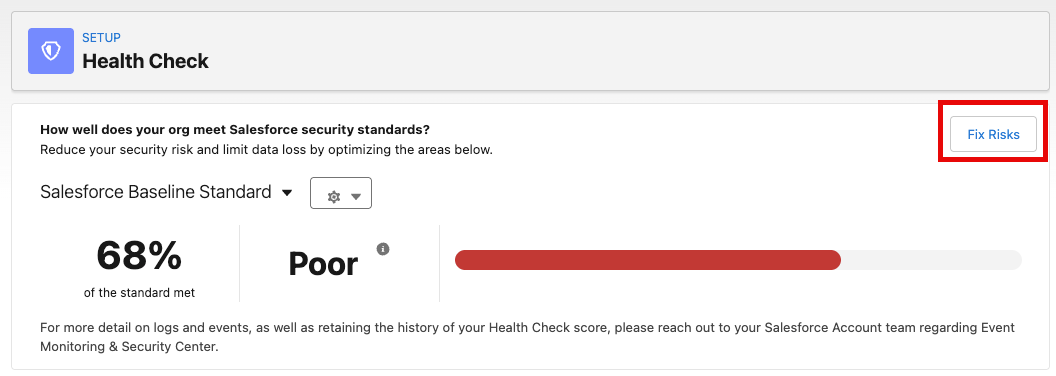
- Type Health Check into the Quick Find
- Select Health Check
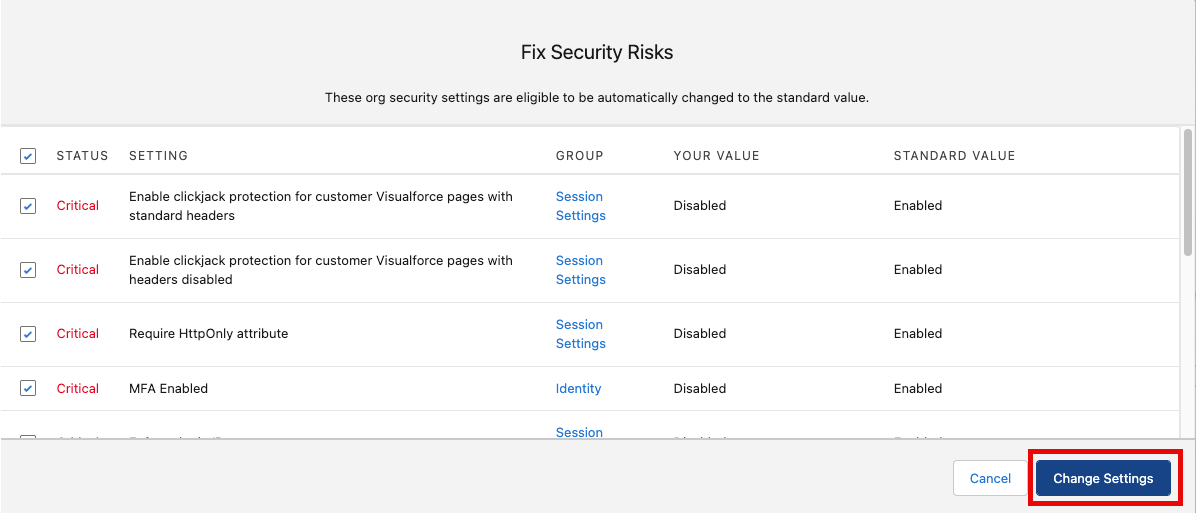
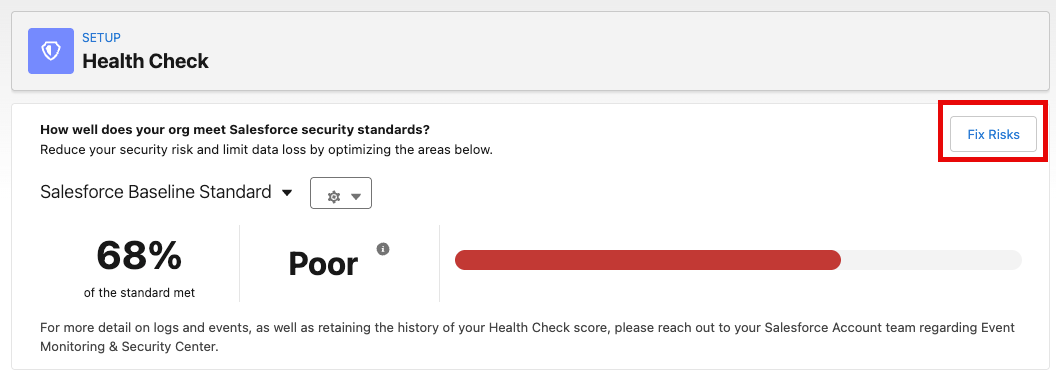
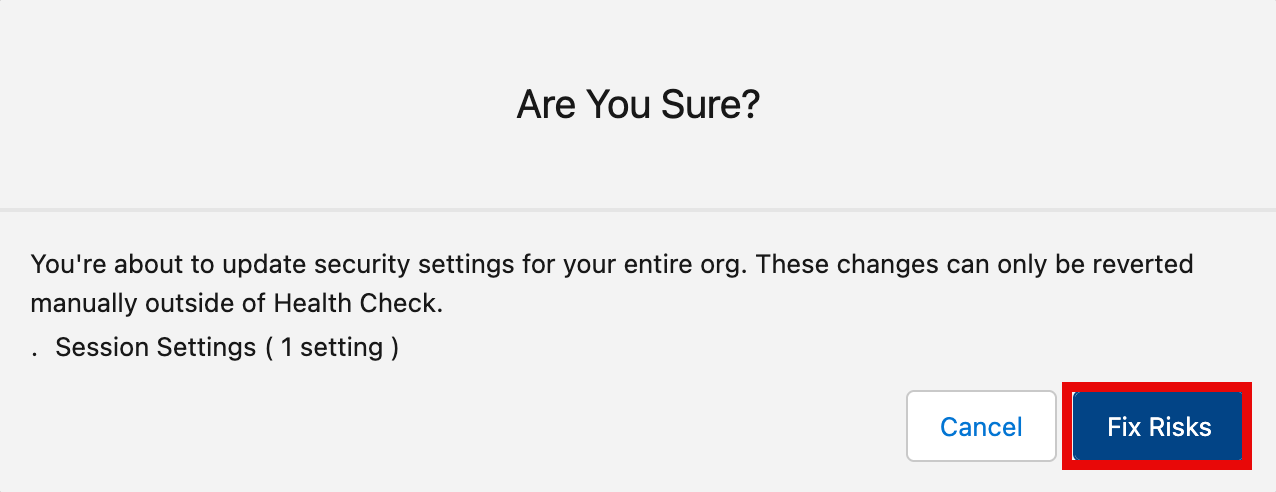
- Click Fix Risks
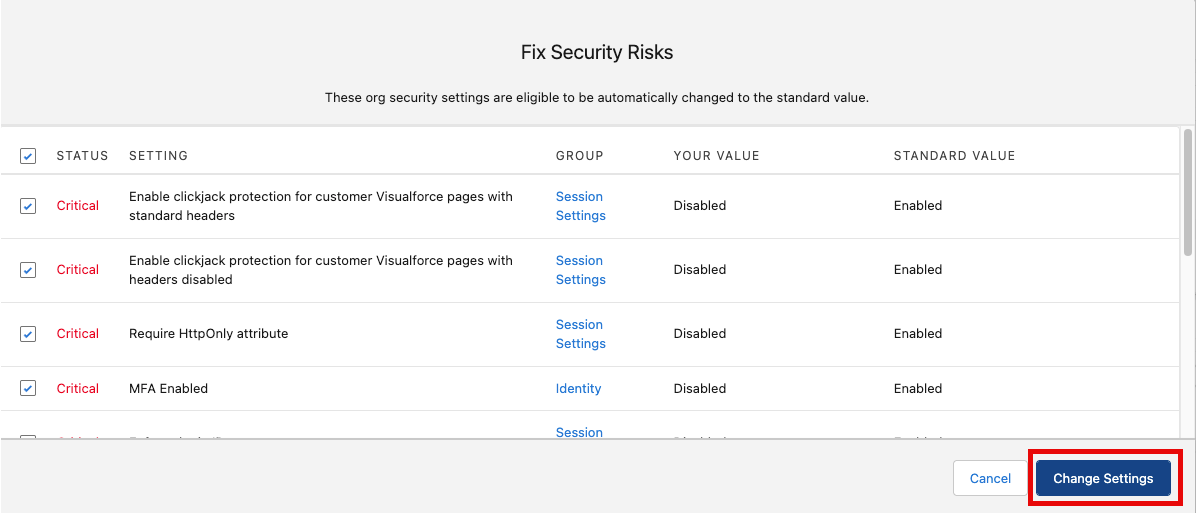
- Select the checkbox next to Status to select all remaining settings and click Change Settings
- Click Yes, Change Settings
Summary
In this exercise, you used Health Check’s Fix Risks feature to apply recommended security settings in bulk, quickly remediating the remainder of security risks at once. Your Security Score and Status in comparison to your Custom Baseline are now in excellent shape! Keep in mind that Health Check is able to fix many of these risks on your behalf, but it is important for admins to know what the settings are enforcing and how they will impact users.